The Cost of Missing an AI Contractor Answering Service
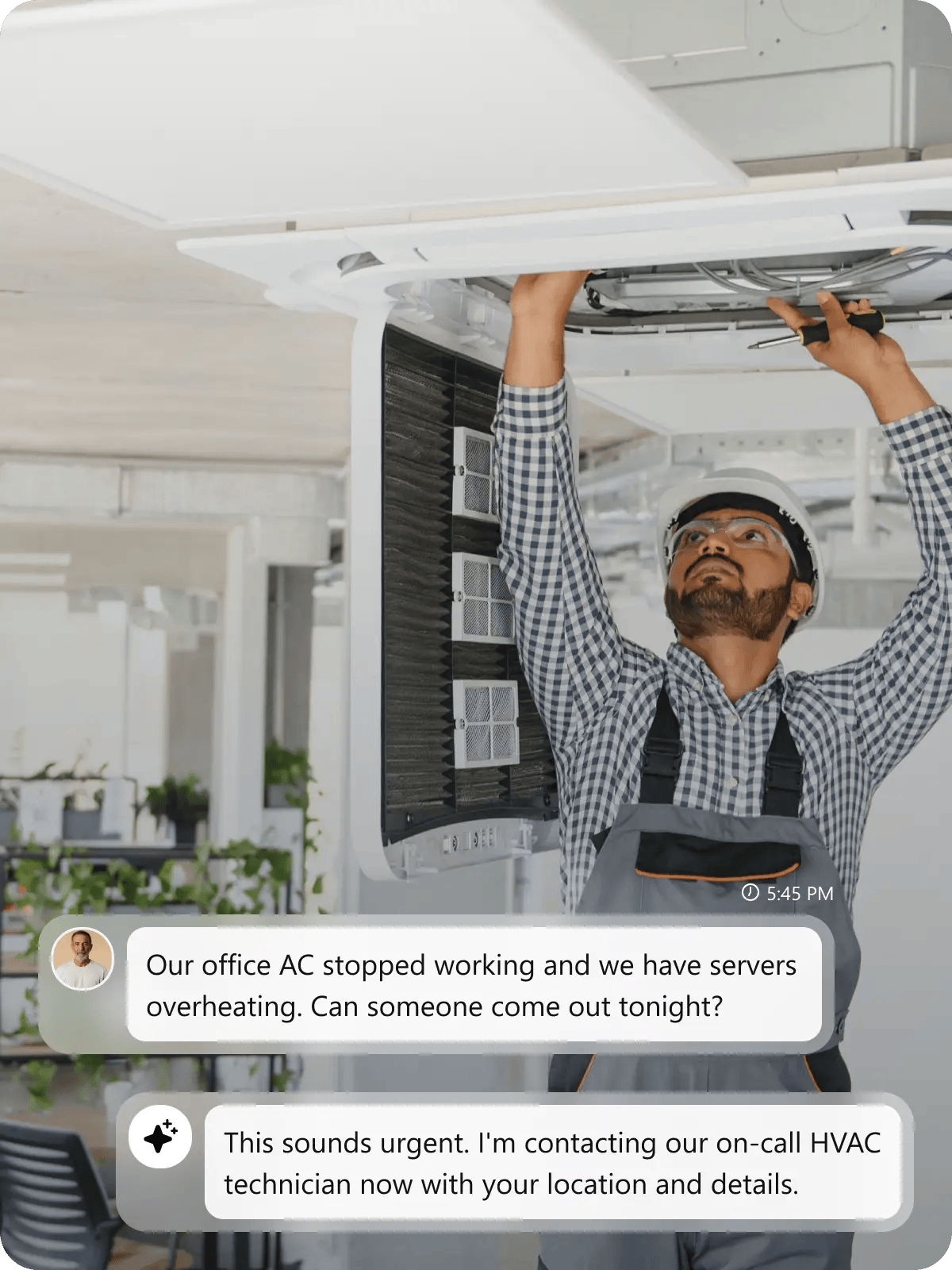
Emergency calls, estimate requests, and commercial inquiries need immediate answers. Without 24/7 coverage, motivated customers book with contractors who answer first, not those who call back later.

After-Hours Emergencies Go to Competitors Who Answer First
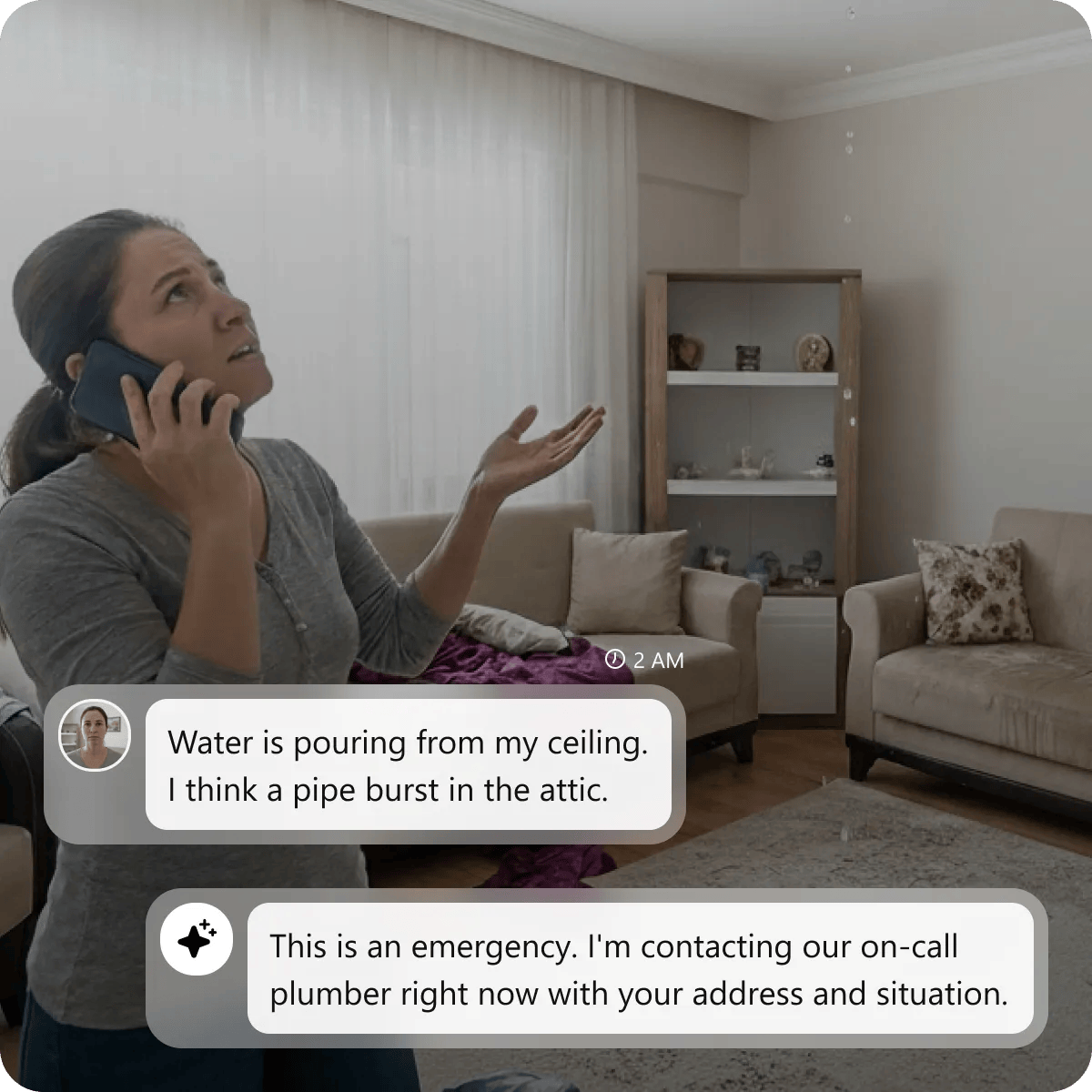
A homeowner’s water heater floods the basement at 9 PM. She calls your voicemail, then other contractors. One with AI answering dispatches help immediately. By morning, your competitor completed that $2,800 emergency repair. You lost the job before you even knew it existed.

Office Can’t Handle Multiple Calls During Busy Periods
Your receptionist handles one kitchen remodel call while three more come in—commercial property, roof repair, rate question. All hit voicemail. None leave messages. They book with contractors who answered, costing you multiple projects instantly.

Estimate Requests Sit in Voicemail While Clients Book Elsewhere
A property manager needs HVAC bids for five buildings Friday afternoon. Your call hits voicemail. Monday you call back—she’s already picked a contractor from weekend bids. That $45,000 commercial job disappeared because you answered late.
Welco – Your AI Contractor Answering Service
Identify Emergency vs Routine Work and Transfer Calls Accordingly
Welco distinguishes between urgent jobs and routine estimates. “Burst pipe,” “no power,” “gas leak,” “flooding,” or “no heat” trigger immediate emergency call transfer to your on-call crew with full details. Kitchen remodels, roof inspections, landscaping quotes, and maintenance requests get scheduled automatically during business hours. You respond immediately to revenue-critical emergencies while routine work fills your pipeline without chaos or confusion.
Collect Job Scope Details Before You Drive to the Site
Know Which Leads Fit Before You Call Back
Provide Ballpark Pricing Ranges Without Committing to Final Quotes
Get Your AI Contractor Answering Service Live in 15 Minutes
Quick Setup
We help you create your Welco account and assign a dedicated phone number using Twilio. Choose your AI voice and connect it to your contracting business—no technical setup needed. Start with a free trial to see how Welco captures and manages calls in real time.
Upload Service Information
Upload service types—plumbing, electrical, HVAC, roofing, remodeling—with coverage areas and pricing ranges. Set emergency keywords like “burst pipe,” “no power,” or “gas leak.” Welco routes calls based on your service expertise from a simple no-code dashboard.
Start Capturing Project Leads
Once live, Welco answers calls instantly. Monitor transcripts, listen to recordings, and adjust FAQs anytime. Track which services callers request most, identify peak emergency times, and optimize estimate conversions—while your crew focuses on project work.
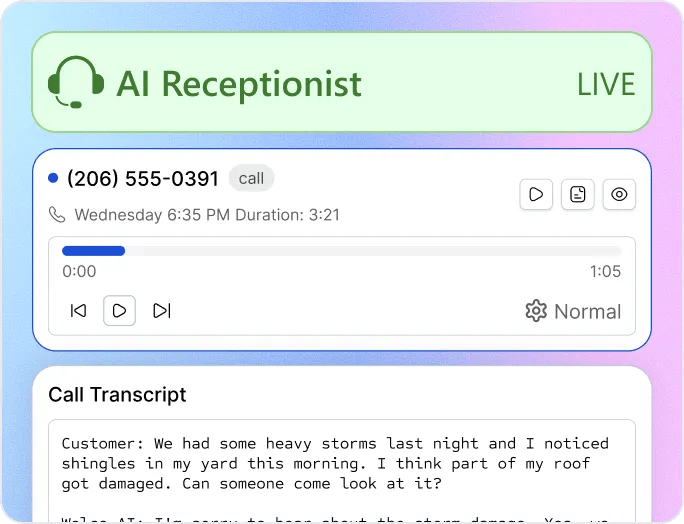
Listen to Our AI Contractor Answering Service in Action

Mark
Don’t Let Missed Calls Cost You Projects
Every unanswered call could be your next high-value repair, renovation, or long-term service contract. Welco responds instantly to urgent issues—whether it’s a leak, outage, breakdown, or storm damage—so you never lose work to a competitor who simply picks up the phone first.
How AI Contractor Answering Service Solves Problems
Current Challenges for Contractors
Can’t tell which midnight calls are $3,000 emergency repairs vs. someone asking about a future bathroom remodel. You either wake up for non-urgent inquiries or miss high-value emergencies while sleeping.
Drive 45 minutes to a job site only to find out it’s outside your service area or expertise. Wasted travel time costs fuel, labor hours, and the opportunity to work on qualified jobs.
Spend 20 minutes on the phone getting job details, then realize the customer’s budget is half what the job actually costs. Budget mismatches waste your time and create awkward conversations with prospects.
Show up to “fix a leaky pipe” and discover it’s a whole-house re-pipe requiring permits you don’t have time for. Scope surprises leave you scrambling to adjust schedules or walk away from mid-assessment.
Commercial property managers need fast responses for tenant emergencies, but your receptionist treats them like residential callers. Losing commercial clients means losing repeat business.
Office gets three HVAC calls, two electrical inquiries, and a plumbing emergency simultaneously—chaos trying to route each to the right crew. Manual call routing during peak times means longer hold times.
How Welco Fixes It
Welco recognizes emergency keywords like “burst pipe,” “no power,” “flooding,” routes urgent work to on-call crews immediately, schedules routine estimates for business hours.
Welco qualifies every caller by collecting location, project type, and job details upfront. Your team only follows up on leads that match your coverage zone and specialties.
Welco collects square footage, property age, timeline, and budget expectations upfront, plus shares ballpark pricing ranges so unrealistic leads self-filter before booking.
Welco’s intake form captures full project scope during the call—age of systems, access requirements, extent of work needed—so you arrive prepared and properly equipped.
Welco identifies commercial vs residential callers and routes accordingly—commercial emergencies get priority handling, residential estimates get scheduled based on availability.
Welco automatically routes calls by trade type to the correct department or technician based on the work described, keeping each crew’s schedule organized.
Welco AI Contractor Answering Service Reviews
“"We’d get emergency calls at midnight—burst pipes, no heat, flooding—and they’d hit voicemail. By morning, those customers already had someone else fix it. Welco recognizes the emergency keywords and routes them to whoever’s on call immediately. We’re actually capturing those high-dollar night jobs now instead of losing them to competitors who just answered faster."”

Mike R
General Contractor, Denver
“"We’d drive 30 minutes to give an estimate, then find out the property was way outside our service area or the budget was completely unrealistic. Total waste of fuel and time. Welco asks about location and budget range upfront. Now we only roll trucks to jobs that actually make sense for us."”

James L
Licensed Contractor, Chicago
“"Our receptionist would be on the phone with a commercial client getting details for a big bid, and three more calls would come in. We’d lose those. Nobody leaves voicemails anymore—they just call the next guy. Welco handles the overflow calls while our staff focuses on complex estimates and crew coordination. We’re not losing jobs just because we were busy."”

Sarah T
Construction Company Owner, Portland
Turn Every Inquiry Into Your Next Project
Every missed call could be your next renovation, emergency repair, or repeat client. With Welco, your phone line becomes a 24/7 contractor answering service that automatically captures plumbing leaks, HVAC breakdowns, electrical issues, storm damage calls, and more—so no opportunity slips away.
FAQs About AI Contractor Answering Service
How long does it take to get Welco live for my contracting business?
Setup takes about 15 minutes. We create your Welco account and assign a dedicated phone number from Twilio. From there, you choose an AI voice, upload your service types (plumbing, electrical, HVAC, roofing, remodeling), define emergency keywords like “burst pipe” or “no heat,” and configure on-call routing for after-hours emergencies. Add your crew schedules, coverage areas, and typical job details. No technical skills or IT support needed—everything is managed through a simple dashboard. You can start taking real calls the same day.
