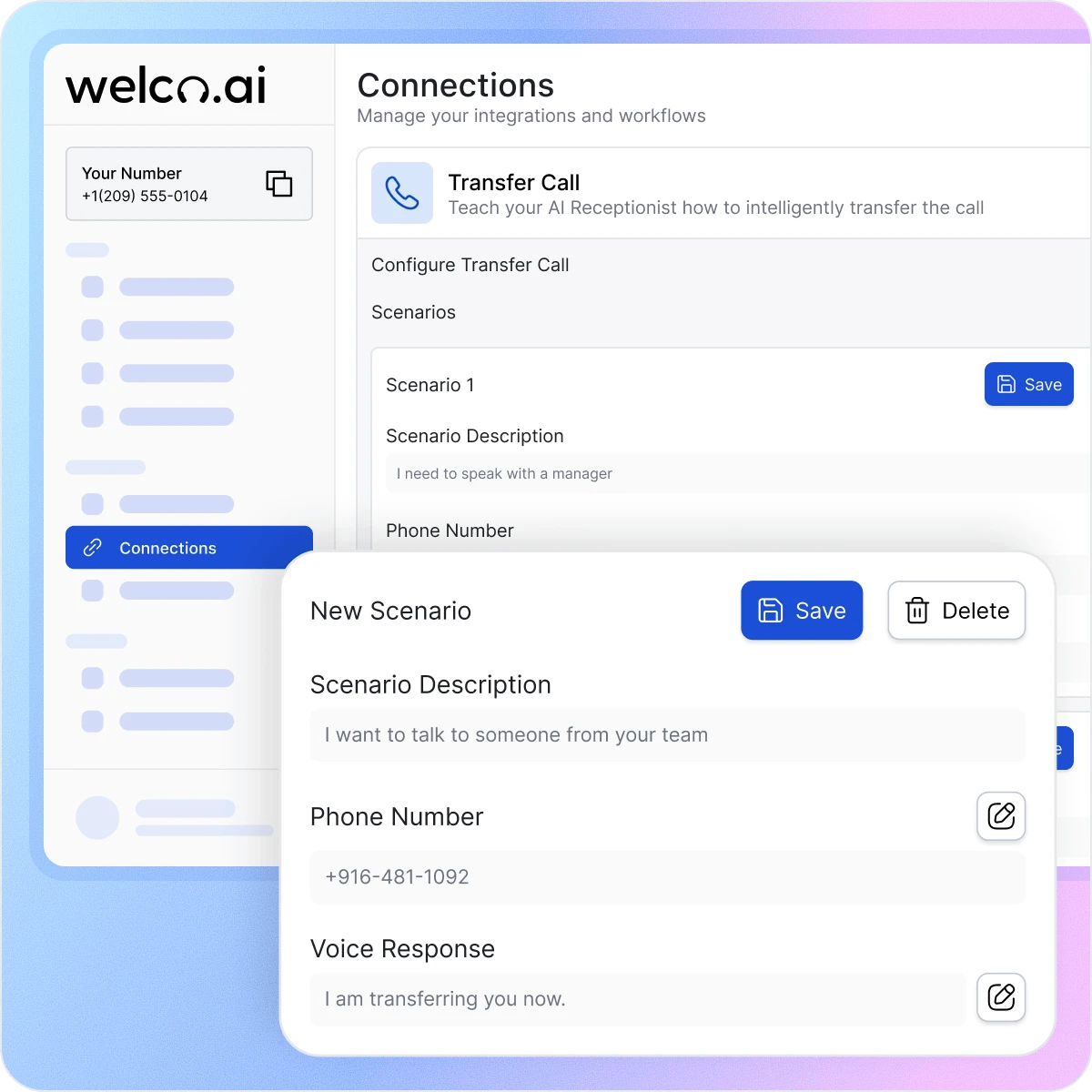
How Call Transfer Works in 3 Steps
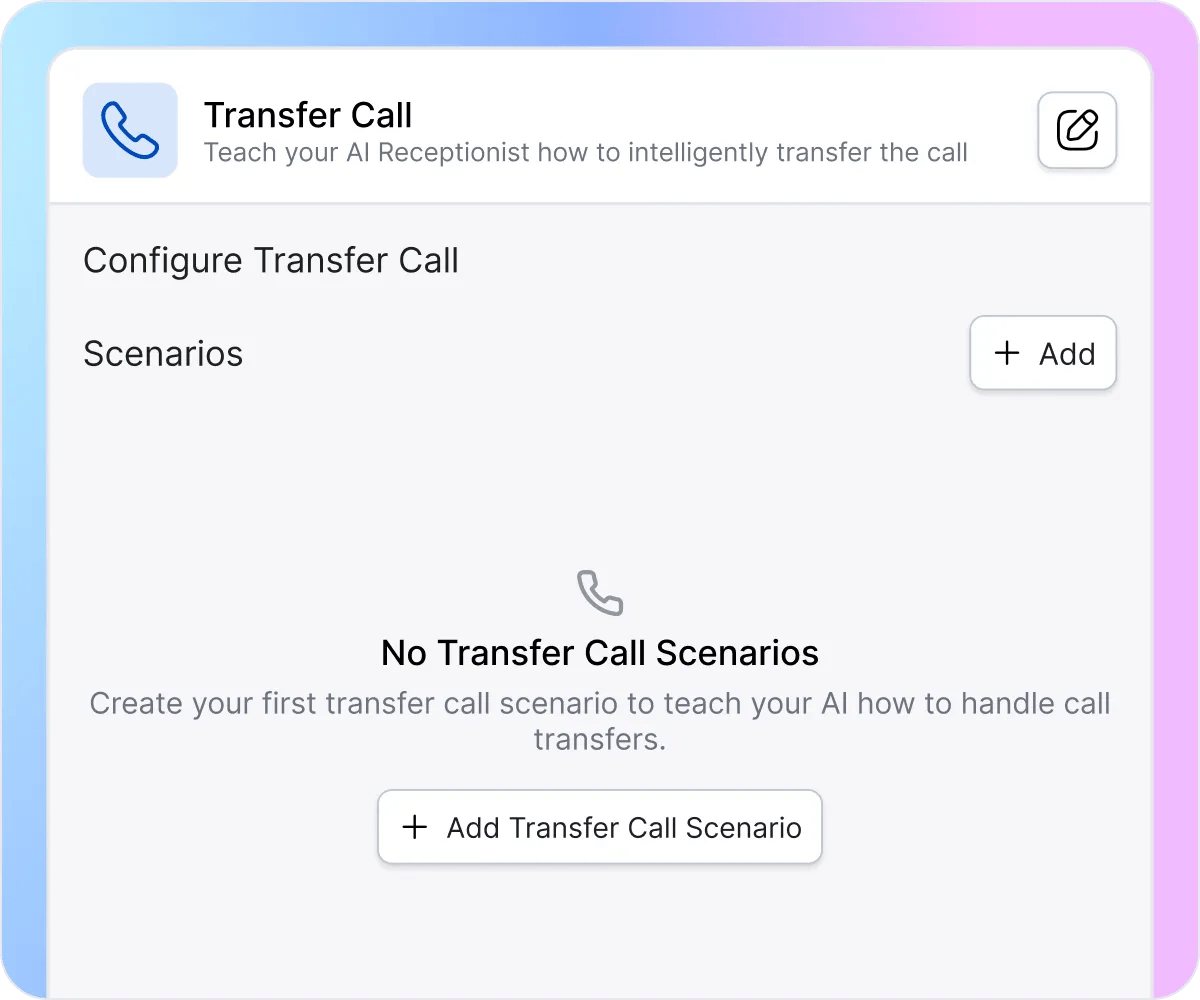
You can easily create a transfer scenario in Welco. Set a description that triggers the transfer—”I want to talk to someone from your team,” “I need to speak with a manager,” or “This is an emergency.” Welco watches for these phrases during every call and routes automatically when it hears a match. Configure multiple scenarios for different situations—sales inquiries, technical support, billing questions, after-hours emergencies—and let the AI handle the routing logic.
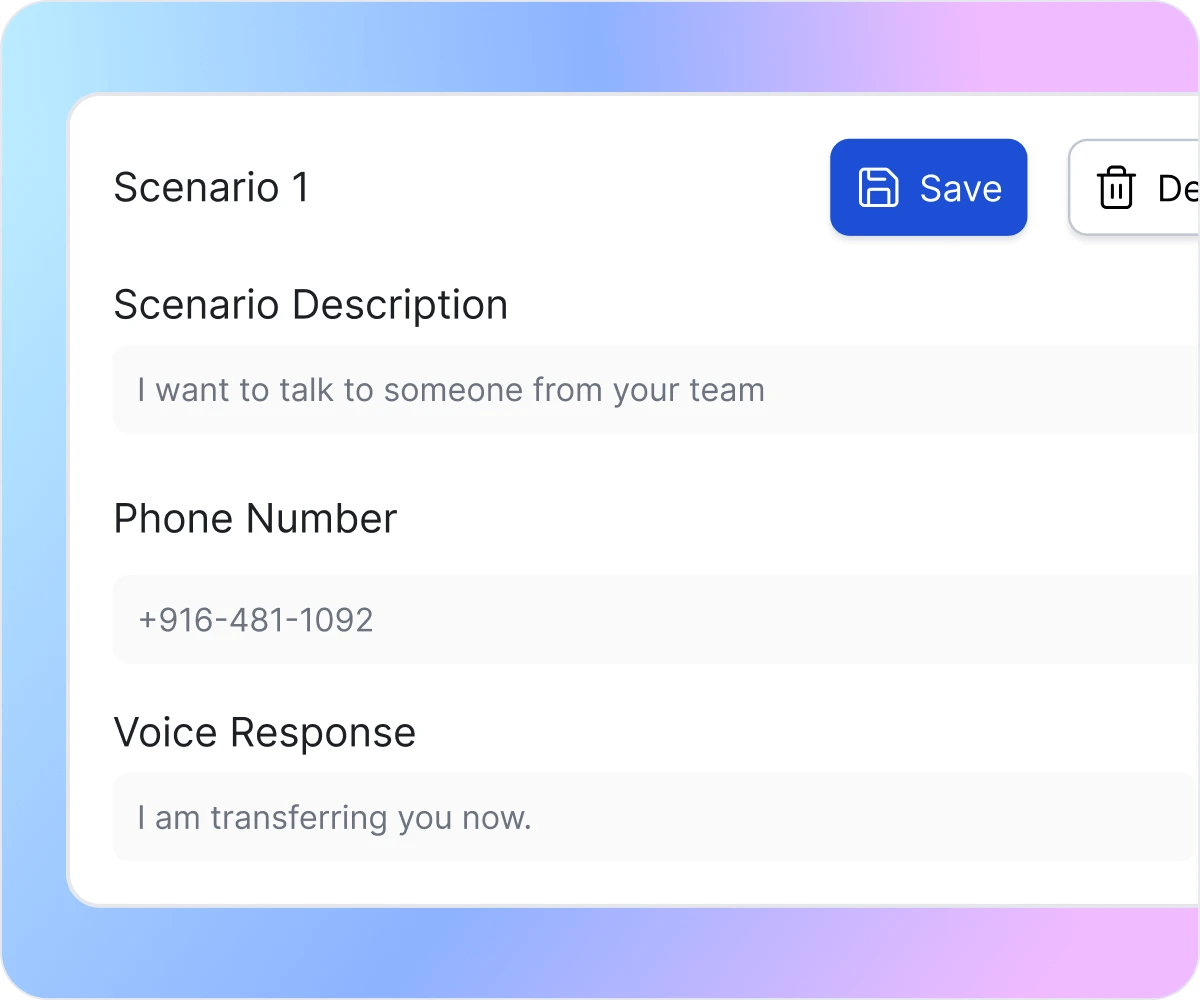
For each transfer rule, define exactly where the call should go and what Welco should say before connecting. Add the destination phone number, write a brief pre-transfer message like “I’m transferring you to our senior estimator,” and save. Emergency scenarios route to your on-call line with immediate transfer. Billing questions go to accounting with context noted. Each scenario runs independently, so one caller gets emergency dispatch while another gets routed to support.
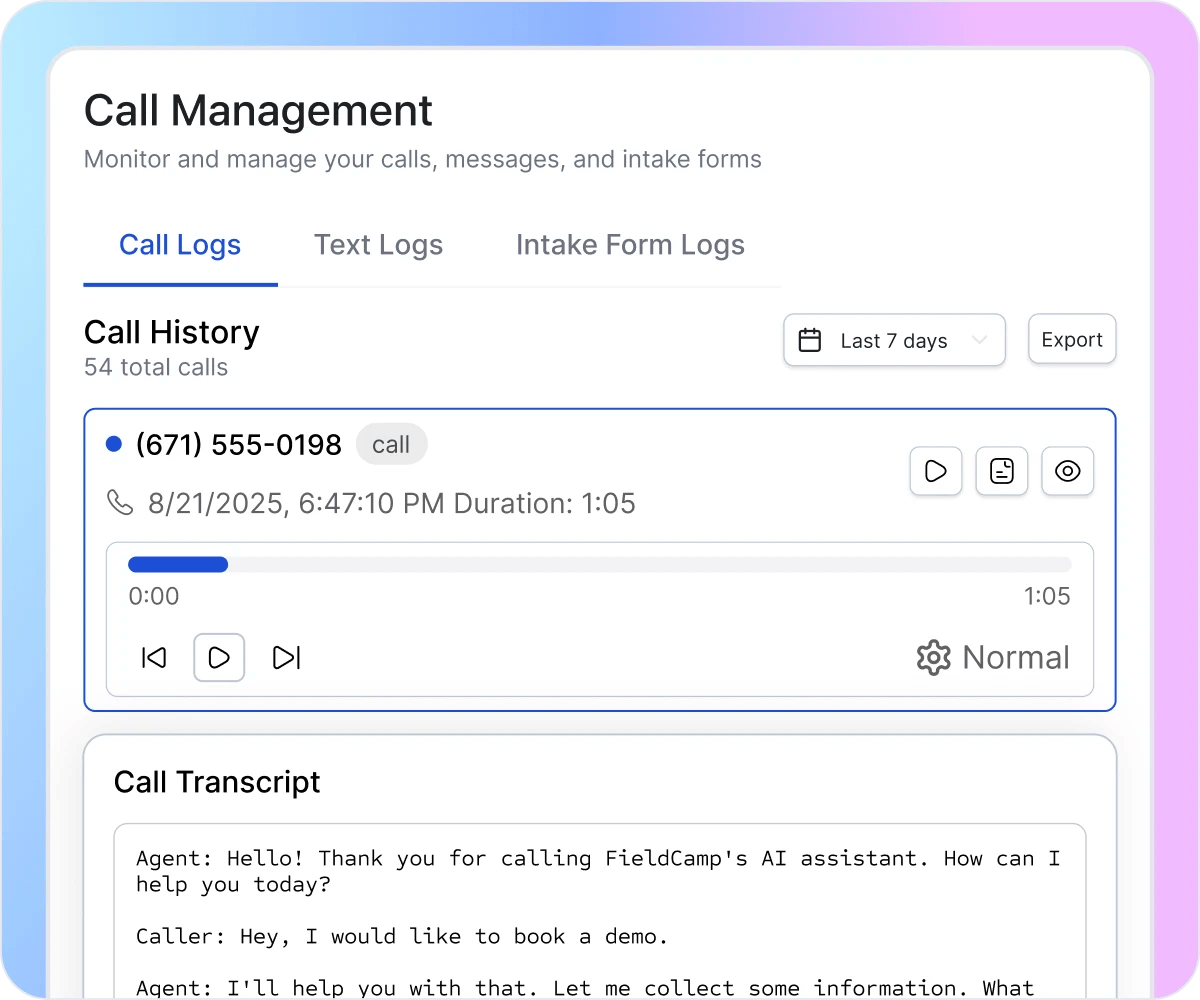
Before each transfer happens, Welco captures the full conversation that led to the handoff. In your call management dashboard, you’ll see every call that triggered a transfer—complete with caller details, timestamp, the AI conversation transcript, and audio playback of everything that happened before reaching your team. See which scenarios are triggering most often, what callers are saying that prompts transfers, and whether your AI is routing correctly. Use this data to refine your transfer rules or train the AI to handle more questions independently.
How Call Transfer Helps You Win More Business

Stop Losing Leads to Wrong Transfers
Callers bounced between three departments hang up and try your competitor instead. Welco identifies intent and routes to the right person on the first try—sales inquiries reach sales, billing questions reach accounting, technical issues reach support, and emergency calls reach on-call staff. No menu maze, no “hold while I transfer you again,” no caller giving up halfway through. Each person lands where they need to be immediately.

Keep Callers From Waiting Too Long
When callers reach the wrong person, they end up stuck on hold or repeating their issue while your team figures out where to send them next. This slows everything down and creates frustration on both sides. Welco keeps the process moving by transferring callers to the right person faster, minimizing wait times and ensuring they get help without unnecessary back-and-forth.

Route True Emergencies to Humans Instantly
Most phone systems can’t tell the difference between a routine question and a genuine crisis. Welco recognizes emergency language—”burst pipe,” “gas smell,” “no heat,” “electrical fire”—and transfers immediately without holding music or menu navigation. Critical calls skip the queue entirely and reach your on-call specialist with the emergency type and location flagged, so they can dispatch help or provide safety guidance while the caller stays connected.
What Businesses Say About Welco
“Buyers calling about listings got bounced between agents trying to figure out who handles which area. Now Welco transfers them directly to the neighborhood specialist with property type and budget already noted. Our agents answer by seeing ‘downtown condo, 500K budget’ instead of asking ‘how can I help you?’ We’re closing more deals because buyers reach the right person on the first call, not after three transfers.”

Rebecca Castillo
Broker-Owner, Castillo Realty Group
“Our team used to spend so much time figuring out who should take each call. Every day we’d have callers reaching the wrong person, sitting on hold, or waiting while we asked around to find the right team member. With Welco’s call transfer, callers now reach the right person faster, and we’re not juggling misplaced calls all day. It’s made our workflow noticeably smoother and freed up our staff to focus on actual work instead of redirecting calls.”

Vincent Patel
Executive Director, Riverside Senior Living
“Customer calls about grinding brakes or smoking engines used to wait in the same queue as oil change appointments. By the time we called back, they’d already driven to Firestone. Welco recognizes urgent safety issues—’brakes grinding metal,’ ‘engine overheating,’ ‘steering pulls hard’—and transfers immediately to our service manager. Routine maintenance still schedules normally, but safety concerns reach a mechanic within seconds, not hours. We’re capturing emergency work we used to lose to faster competitors.”

Angela Kowalski
Owner, Kowalski’s Auto Repair & Service
Welco Integrates Seamlessly with Your Phone System
Forward your existing business number to Welco. Keep your published phone number—customers dial the same number they always have. Welco answers, handles routine calls automatically, and transfers when needed using your team’s mobile phones, desk lines, or VoIP system. No hardware installation required.
Industries That Need Intelligent Call Transfer

Plumbing Services
Homeowners with burst pipes or sewage backups need immediate dispatch, not voicemail. Welco recognizes emergency keywords and transfers instantly to on-call plumbers with property address and issue description noted. Your plumber answers seeing “burst pipe flooding basement, 123 Oak Street” ready to dispatch or provide shutoff guidance. Routine drain cleaning schedules automatically while emergencies reach your team within seconds.

Roofing Companies
Property owners with active roof leaks or storm damage need immediate response before interior damage escalates. Welco recognizes roofing emergencies and transfers to on-call contractors with damage details captured. Your crew answers seeing “active leak, living room, storm damage” ready to dispatch tarping or schedule inspection. Routine roof work schedules automatically while emergencies reach your team within minutes.

HVAC
Customers with no heat in winter or failed AC in summer face genuine emergencies. Welco identifies urgent situations and routes to on-call technicians with system details and symptoms captured. Your tech answers seeing “no heat, elderly resident, 15 degrees outside” ready to prioritize dispatch or troubleshooting. Routine maintenance schedules automatically while emergency calls reach your team immediately with complete context.

Medical Clinics
Patients with severe symptoms or urgent concerns need clinical attention, not appointment scheduling. Welco identifies medical urgency and transfers critical calls to on-duty staff with symptom details captured. Your clinician answers seeing “severe abdominal pain, vomiting, patient history” ready for triage or guidance. Routine checkups schedule automatically while urgent medical concerns reach clinical staff instantly.

Law Firms
Potential clients with time-sensitive legal matters need immediate attorney attention before deadlines expire. Welco identifies practice areas and urgency, routing to appropriate attorneys with case details documented. Your attorney answers seeing “DUI arrest, arraignment Monday” or “contract dispute, Friday deadline” ready to assess and advise. General questions get answered automatically while qualified leads reach lawyers with full context.

Electricians
Property owners reporting sparking outlets or burning smells face fire hazards requiring immediate dispatch. Welco recognizes electrical emergencies and transfers to on-call electricians with safety details documented. Your electrician answers seeing “sparking outlet, burning smell, kitchen” ready to dispatch or provide safety instructions. Routine installations are scheduled during business hours while dangerous situations reach your team within seconds.
Stop Losing Customers to Missed Calls
Every unanswered or misdirected call is a customer you may not get back. Welco ensures callers reach the right person quickly, creating a smoother experience from the start.
Frequently Asked Questions About Call Transfer
Can Welco transfer calls to multiple phone numbers for different situations?
Yes. You can configure different destination numbers for different situations—emergency calls go to your on-call line, billing questions route to accounting, sales inquiries reach your sales team. Each scenario has its own trigger conditions, destination number, and pre-transfer message, so you can create routing logic based on caller intent and urgency.
